WhereQ-DOSBox 1.0.0.12: the save that outlives the app


A save state is the one thing the emulator exists for. It is the whole machine, frozen — the CPU, the DOS memory, the video memory, the open file handles, the timers — so that you can come back to the exact moment you left.
Until this release, that frozen machine lived inside the app's own private storage. Android deletes that storage the moment the app is uninstalled.
So it happens the boring way. The phone is full, or the app starts misbehaving, or you simply decide to reinstall it. You install the APK again, the game bundle is still sitting in the folder you picked, you press Play — and the game starts at the very beginning.
Ten hours of progress, gone. Not because the game was lost. Because the app was.
And a phone that falls in the river takes the app with it, and the app takes the saves with it.
That was the truth about WhereQ-DOSBox until 1.0.0.12: the one thing the emulator exists to protect was the one thing that could not survive the app.
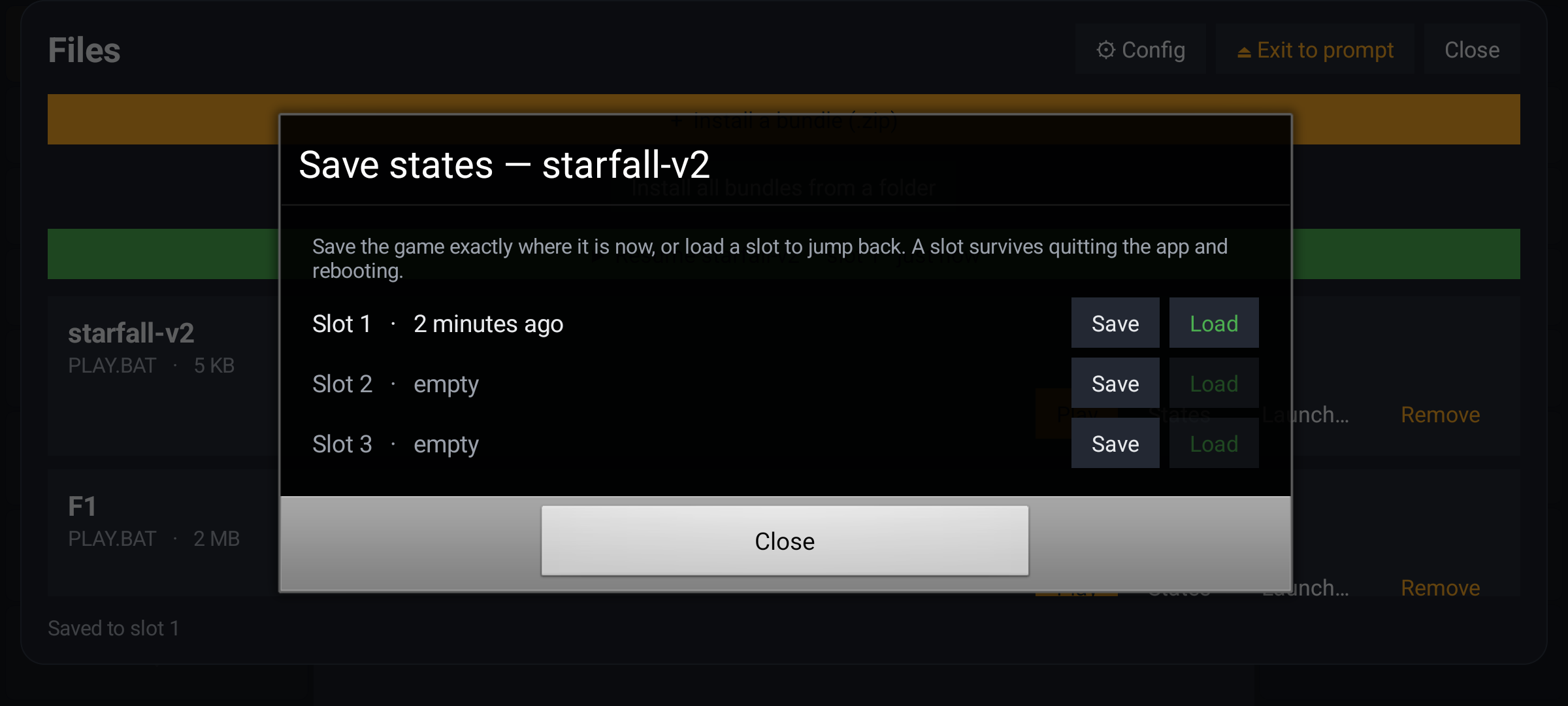
The save-state sheet. Three slots per game — these are the files that used to die with the app.
The saves live outside the app now
The fix is not clever. It is that the saves stop living in a place Android is allowed to delete.
Pick a folder on the phone — Config → Saves folder, or the offer that appears after the first save — and every slot is mirrored there, gzipped, right next to the game itself:
  the app                          the folder you picked
  ──────                          ────────────────────
  the slot   ── gzip ──▶             STARFALL/
                                     slot1.gz
                                     slot2.gz
                                     bundle.zip      (the game)
Now the games are yours, in a folder you chose, and their save states are already there beside them.
And that folder is not a special place. It is an ordinary folder in the phone's storage: you can copy it, sync it, move it, put it on a cloud drive — the same way you would treat any other folder of files. One thing to know before you pick it: Android will not let an app take the Download folder itself, because that would be too broad a permission. Pick any other one — Documents is fine.
The games come back by name
A reinstall, a new phone, an app deleted by accident. The games are offered for restore by name, with their save states already there beside them.
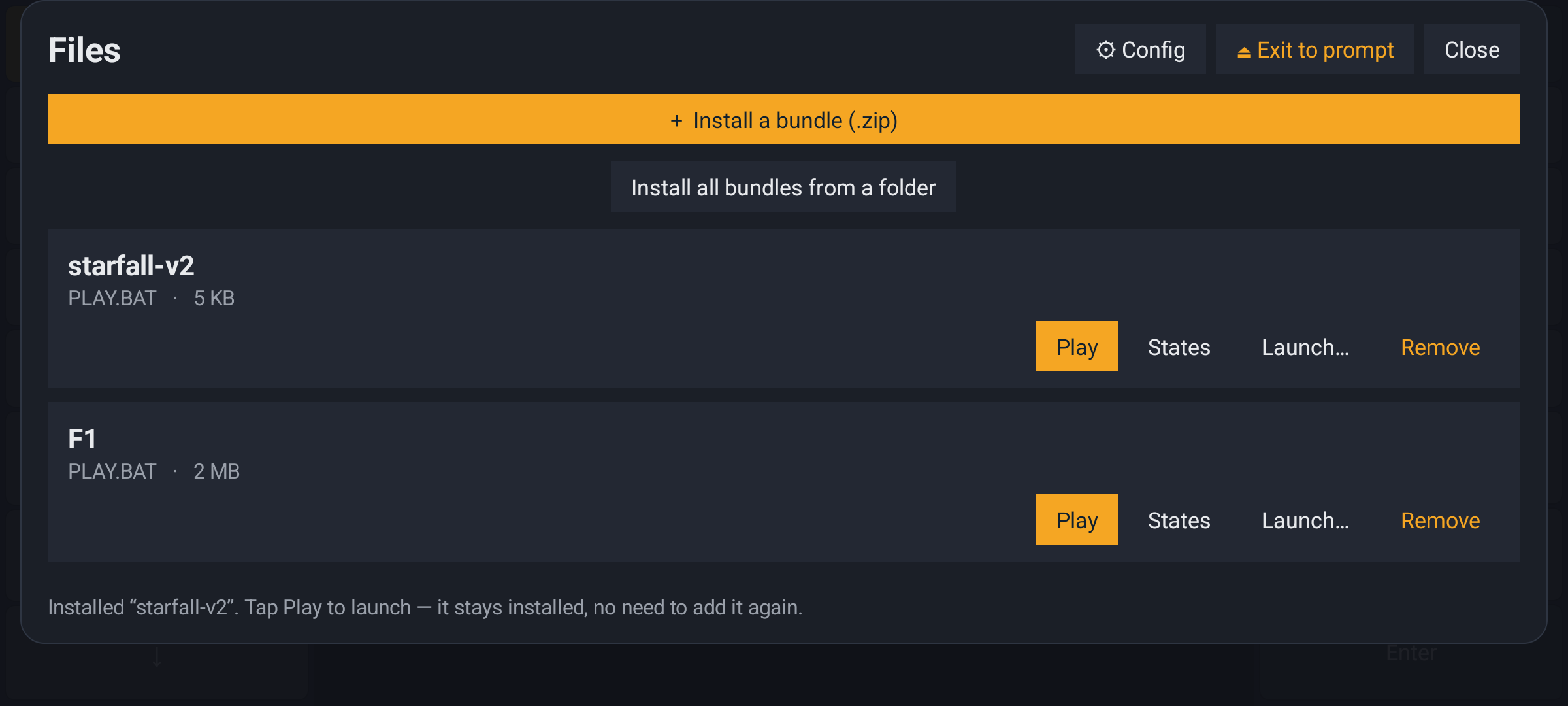
The Files panel: the games, and the Config button where the saves folder is set.
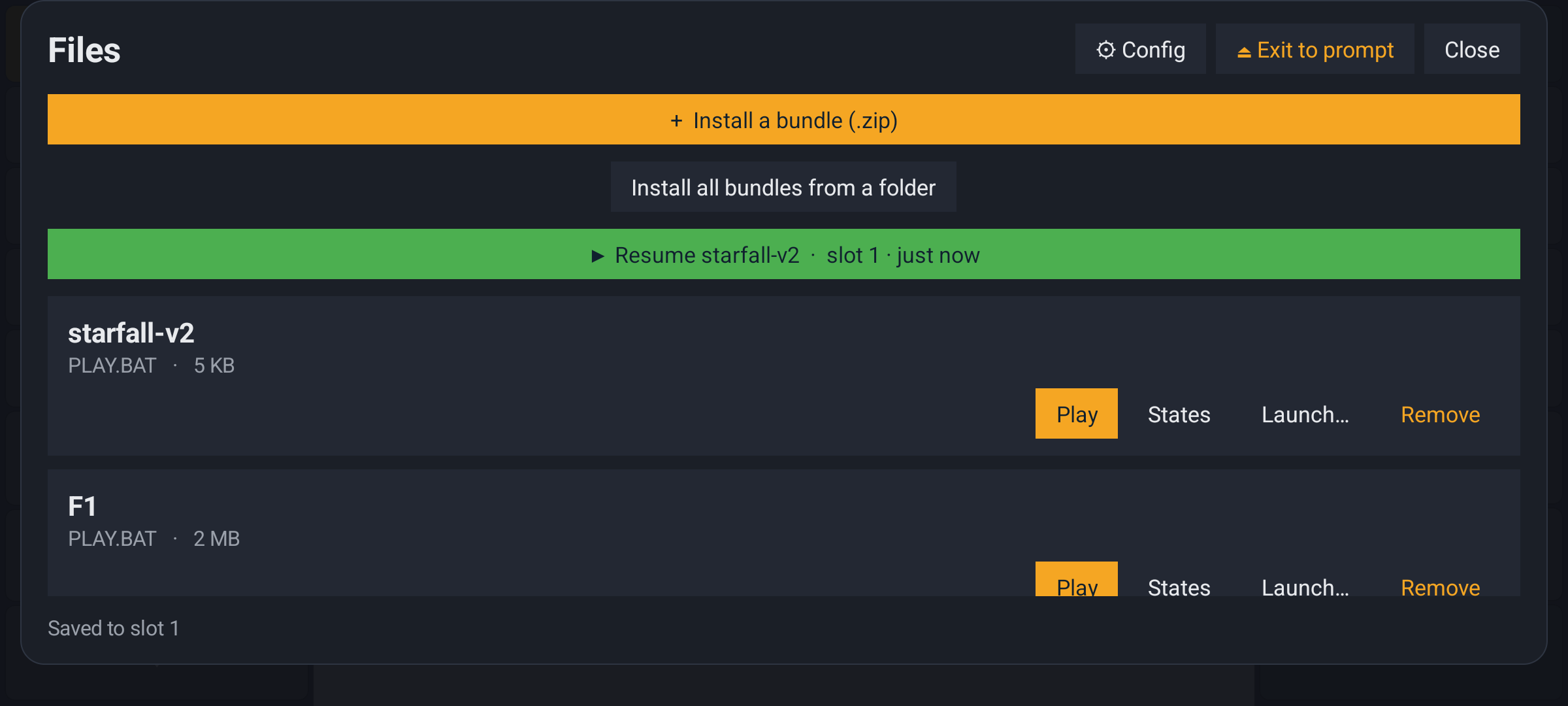
The same panel after a save. The green line names the game, the slot and the time — a save is a thing with a date on it, not a guess.
One detail worth knowing, because it is the kind of thing that quietly loses work: two archives with the same file name are told apart by name — game and game (2) — so their saves never end up in the same place.
What a save state should remember
The second thing in this release is inside the save file, and it is about the mouse.
A DOS program does not just read the mouse. It configures it: it registers an event callback, sets the range the cursor may travel in, picks a cursor shape and the hotspot inside that shape, and decides how coarse and how sensitive the movement is. All of that is a property of the game, and the game will never send it again. So a save state has to carry it.
1.0.0.11 carried far too much. It put the whole INT 33h driver into the snapshot — the event queue, the click counters and the interrupt re-entrancy flags included. Restoring that wedged mouse-driven games: the stale queue and the stuck flags fed garbage into the interrupt handler and into the game's own callback, and a game could hang on load. The machine came back, but the mouse never reached the game again.
So the snapshot now carries the configuration the guest cannot rebuild itself, and leaves the run-time state out:
| in the save state | not in the save state |
|---|---|
| the game's event-callback registration | the queue of pending events |
| the cursor range and position | the click counters |
| the cursor shape and its hotspot | the interrupt re-entrancy flags |
| the granularity and the sensitivity | which buttons were held down |
The cursor shape matters as much as the rest. Without it the visible cursor reverts to the default block and stops lining up with the real click point, so your taps land beside the target instead of on it.
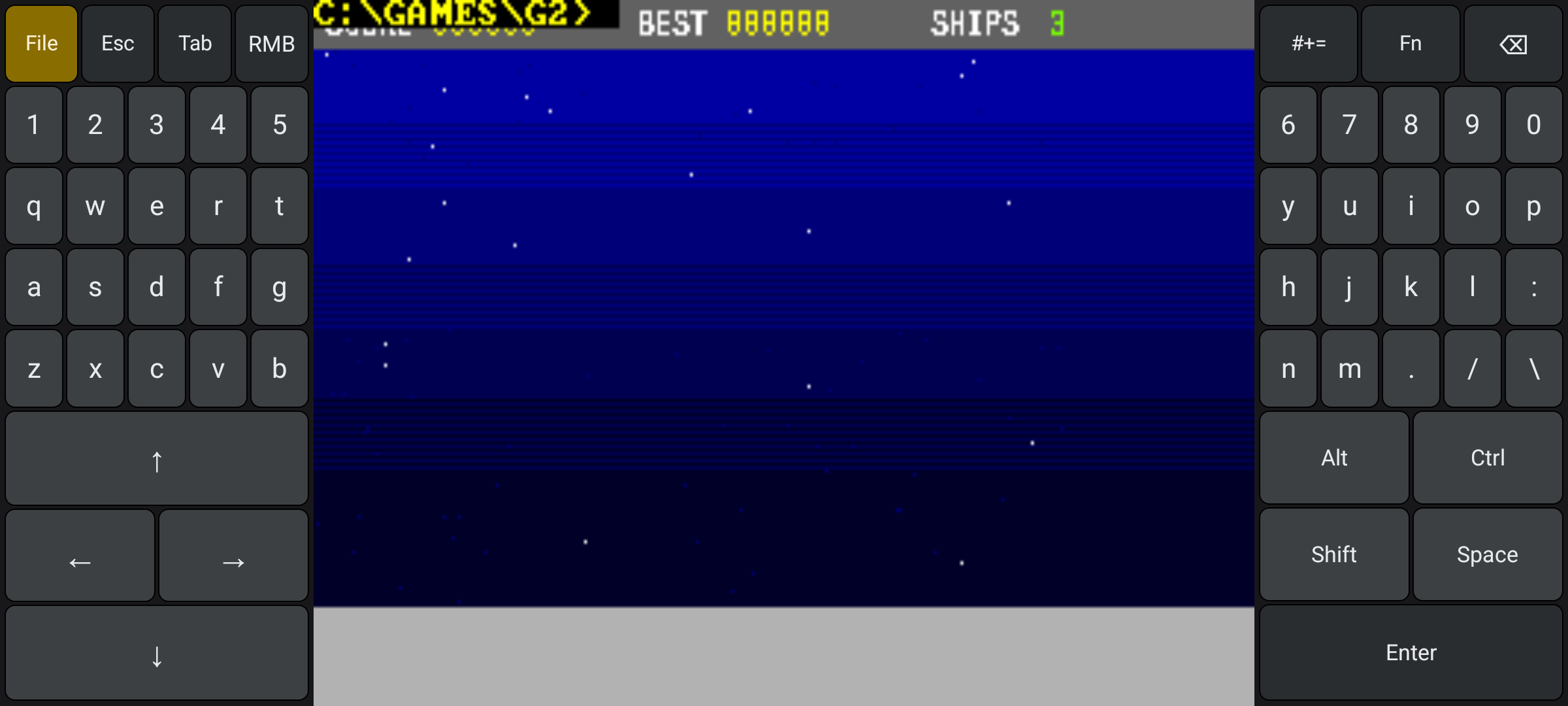
A game that reads the mouse live. This is the kind that used to hang on a restore.
What a restore no longer carries is the state of the moment you saved. That belongs to the past, not to the machine you are coming back to. A restored game starts from an idle driver, with the mouse released — if you were holding a button down across the save, you press it again.
Two things I want to say plainly
Your old save states will not load
Save states written by 1.0.0.11 and by the earlier 1.0.0.12 cuts cannot be loaded by this build. The state file grew a version when the mouse block changed, and an older state is refused rather than misread. That is the honest behaviour — a state that is half understood is worse than a state that is refused — but it does mean those slots are gone.
This release was re-cut
The tag still reads v1.0.0.12, but the file behind the download link is a different build than the one first published under that name. Its checksum is a different checksum, too. The one below is the checksum of the file as it is now. If you downloaded this release earlier and compared it, a mismatch is expected.
Get it
The release APK is on the releases page, signed with the project's release certificate:
👉 github.com/whereq/whereq-dosbox — tag v1.0.0.12
whereq-dosbox-1.0.0.12.apk
size:   16 536 964 bytes (15.8 MB)
sha256: 67577d59e078cd2953c24ea24753068aae2a01c2cf27a9788644787e999f2fd9
The APK itself: whereq-dosbox-1.0.0.12.apk — the signing certificate SHA-256 is b16b480d5a1ff6d35baff0b15fa3fc4b0ee815e500861fbff1b062c9bf7d3933.
One note for whoever installs this particular cut: the launcher name on the phone is A-DOS — DOS across Android and Apple. The package id is still com.whereq.dosbox, the signing key is still the same one, and the download file and the tag still carry the project's own name, so it installs over 1.0.0.11 in place. Nothing to uninstall first, and your games and your slots stay where they are.
It runs on arm64-v8a, armeabi-v7a and x86_64 devices, Android 5.0 and newer, entirely offline, with no account and no tracking. The project is GPL-2.0, and the DOSBox core is embedded with its AUTHORS, ChangeLog, COPYING and per-file headers intact.
The repository is the documentation
This post is not the manual. The manual is the repository: README says what the app is, docs/TECHNICAL-REFERENCE.md is the whole implementation in one document — the save-state machine and the durable saves folder are both in it — docs/USER-GUIDE.md walks through it step by step, and docs/INTERRUPTS.md is the interrupt map. Please read those rather than take my word for it.
The rest of the story is here: DOSBox inside an APK, the whole machine in one file, the keyboard becomes a handheld console, a console-style gamepad for your thumb. The announcement is where this started, and the project today is where it stands.
A save that dies with the app is a save you were never really keeping. If your games live in a folder on the phone and their saves do not — this is the release that puts them side by side.
Thank you, DOSBox
None of this is possible without the DOSBox project.
DOSBox was written by the DOSBox Team — a volunteer crew who took an operating system from 1994 and made it runnable on every machine the world has produced since, including the ones that did not exist yet. They kept it alive for three decades and gave it away to anyone who wanted it. WhereQ-DOSBox is a thin layer on top of their work. The originality, the craft and the generosity are entirely theirs.
This port is built on Em-DOSBox, the Emscripten build of DOSBox r4305 by Boris Gjenero, which grew out of Ismail Khatib's first attempt to compile DOSBox with Emscripten, and rode on the Emscripten work of Alon Zakai. The SDL2 library by Sam Lantinga carries the window, the audio and the touch input.
DOSBox is a trademark of the DOSBox project; this port is not affiliated with or endorsed by the DOSBox team.